
Fee Payment
Pay Your Fees
Use any UPI app or direct bank transfer. Share your payment screenshot on WhatsApp after paying.
Pay instantly — open your UPI app



Tap any app above on your phone — the UPI ID is pre-filled automatically. On desktop, scroll down to scan the QR code instead.
Pay via UPI
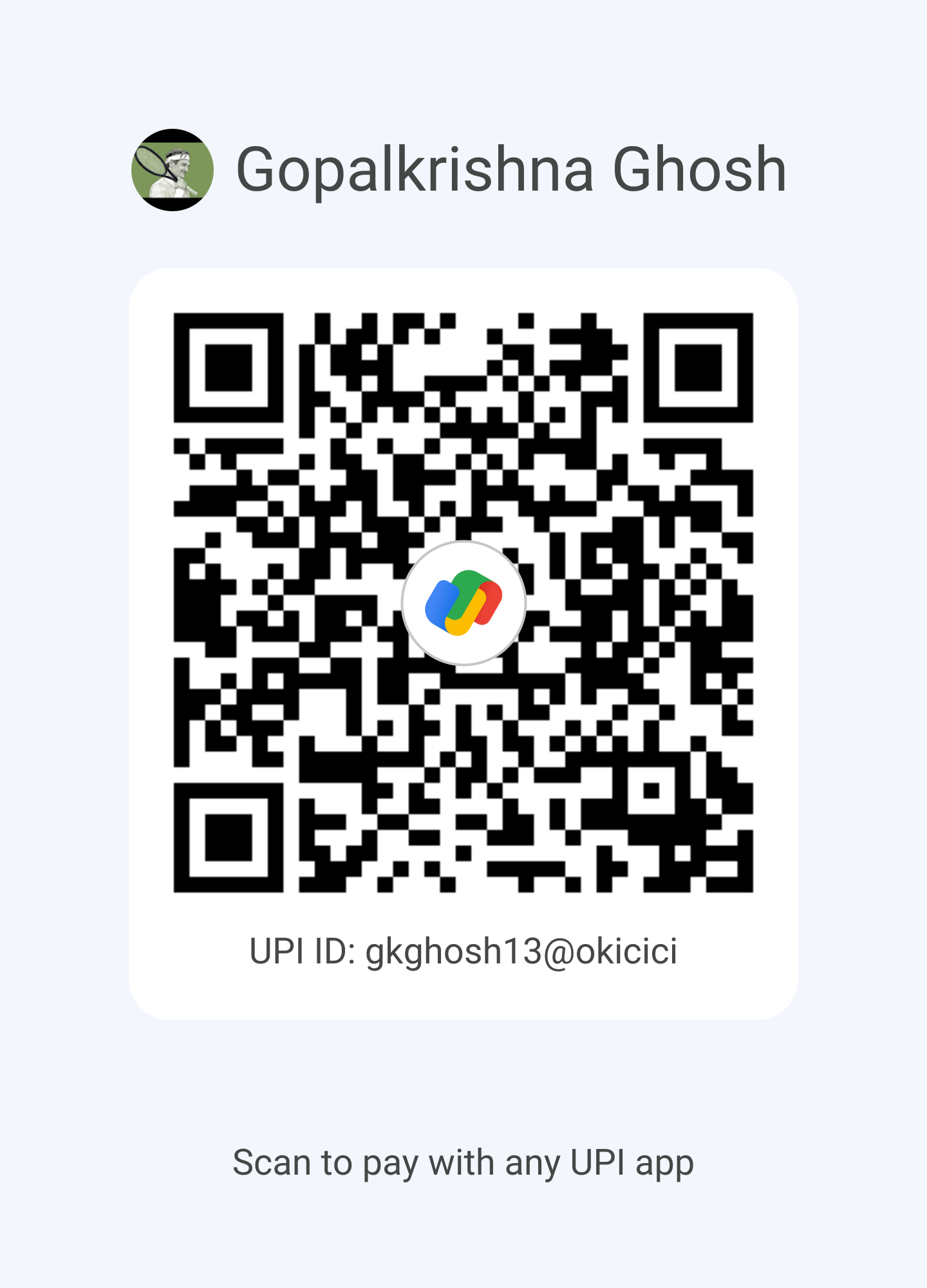
Scan to pay with any UPI app
UPI IDgkghosh13@okicici
UPI ID9476423903@ybl
Open any UPI app — GPay, PhonePe, Paytm, BHIM — scan the QR code or enter either UPI ID above. Screenshot your confirmation and send it to us on WhatsApp.
Pay via Bank Transfer (NEFT / IMPS / RTGS)
Account Name
Gopalkrishna Ghosh
Account Number
38888020140
IFSC Code
SBIN0004605
Bank
State Bank of India
Branch
Nager Bazar, Dum Dum, Kolkata
Use your child's full name as the payment reference. Send the transaction ID to us on WhatsApp after transferring.
After Paying
- Take a screenshot of your payment confirmation.
- Send it to us on WhatsApp at +91 94764 23903.
- Mention your child's name and the course enrolled in.
- We will confirm receipt within one working day.